Market
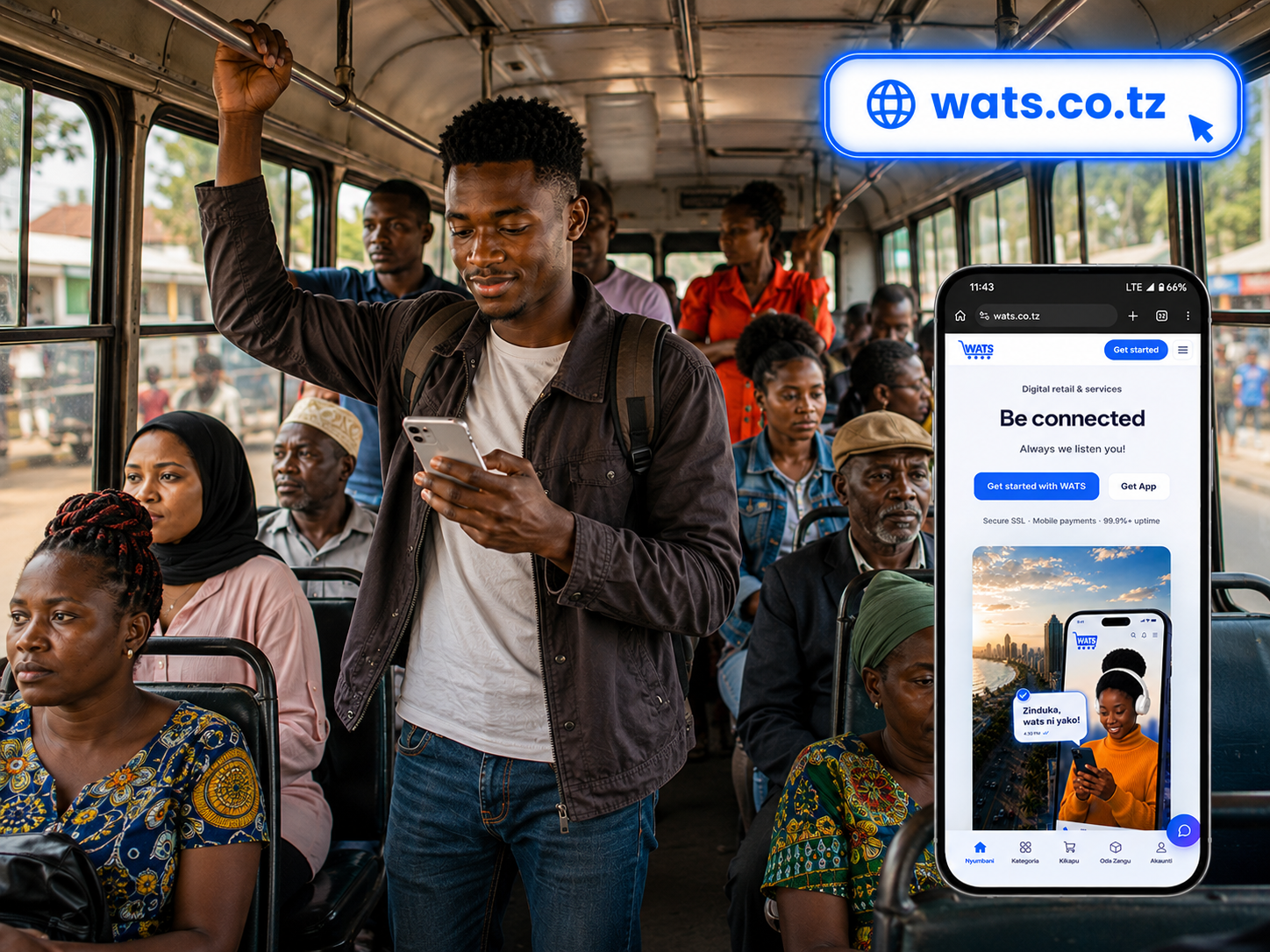
Instant shopping pages
Customer Android app — catalog, checkout, and notifications.
- 1.Visit market
- 2.Browse products
- 3.Complete payment
WAKA KIDIGITALI
Buy easily wherever you are
Secure SSL · Mobile payments · 99.9%+ uptime
About us
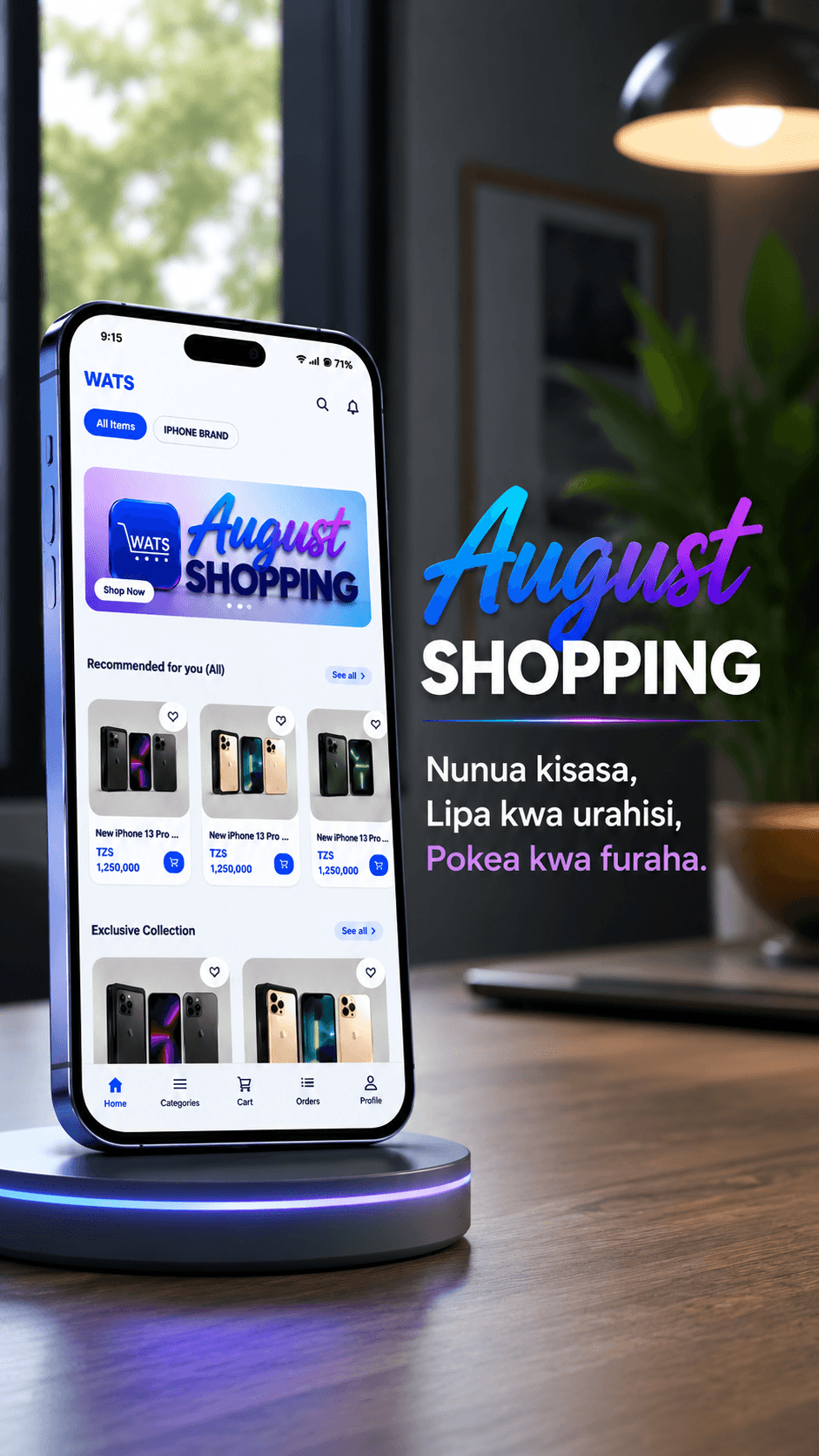
WAKI TZ SOLUTION (WATS) is a digital commerce platform that enables you to shop conveniently anytime and from anywhere. We are committed to ensuring that you receive quality products at affordable prices and within the right time. Our team is always ready to guide and support you step by step to ensure you get exactly what you need. We operate in accordance with the laws, policies, and regulations of the United Republic of Tanzania.
The system is designed for convenience, security, and quality service for every customer.
WATS tools
Market
Customer Android app — catalog, checkout, and notifications.
Payments
Mobile-money checkout through licensed payment partners.
Mobile app
Track status, notifications, and your profile — on the go.
Checkout
Secure payment via licensed checkout — WATS never stores your mobile-money PIN.
Testimonials
Be connected
Partners
 SNIPPE
 BRELA
BRELA TRA
TRA OPRIX DIGITAL
Team
Product, engineering, and customer success.

WATS AMBASSADOR

WATS AMBASSADOR

WATS AMBASSADOR

WATS AMBASSADOR

WATS AMBASSADOR

WATS AMBASSADOR
From download to delivery — the same flow you get in the WATS Android app.
Get the official APK from this site (or Google Play when listed). Install on Android 8+.
Browse as a guest, then create an account with email, password, and phone when you are ready to checkout. Google sign-in is supported.
Explore Home and Categories, search products, choose size or colour if available, then add items to your cart or wishlist.
Enter your delivery address (region, district, street), apply a voucher if you have one, then pay securely via Snippe (mobile money in your browser).
Follow order status in the Orders tab (pending → confirmed → shipped → delivered). Retry payment if needed, request returns, or use Profile → Support (AI assistant and call support).
How to shop
One WATS account and the same catalog — pick the channel that works for you today.
Browse in your browser, sign in, add to cart, and pay with mobile money — no app install required.
Open marketOrder updates, push notifications, and faster repeat checkout on your Android phone.
Get the appTrusted across Tanzania
Common questions about the WATS Android app — orders, payments, and support.
After checkout, WATS opens a secure Snippe payment page in your browser (M-Pesa, Mixx, HaloPesa, and card where supported). Complete payment on your phone, then return to the app. If it fails, open the order and tap Retry Payment. Never share your OTP or PIN with anyone claiming to be WATS.
WATS in your pocket. Track orders, notifications, and your profile from anywhere.
Latest version: v1.0.0 · Requirements: Android 8 or newer, internet connection for payments.
Contact us
Send a message or use WhatsApp / phone.
Email: wakakidijitali@gmail.com·Phone: +255725278479
Chat on WhatsAppFollow us